One guided import plan
Users select their source service, enter the source account, choose the data they want to move, and receive an estimate before any migration job is saved.


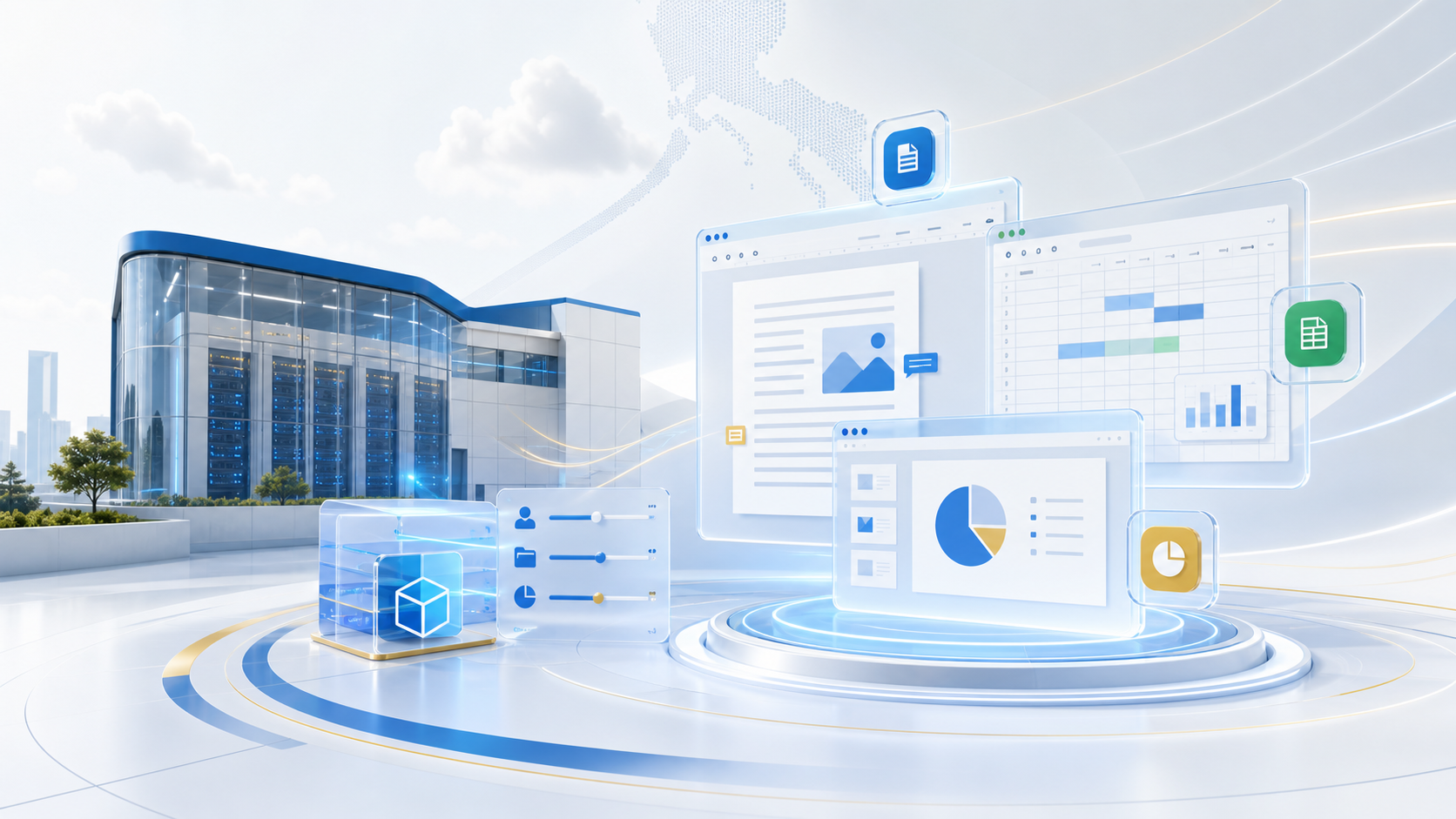
Migration Import
GoOfficePH Migration Import gives users a guided way to bring mail, files, office documents, contacts, and calendars into their GoOfficePH workspace. It also supports controlled batch conversion when existing mail needs to be encrypted or decrypted after a mailbox encryption change.
How it helps
Changing office platforms is hard when users have years of mail, folders, documents, contacts, and calendar entries in another service. The GoOfficePH importer is designed to turn that transition into a visible, repeatable process instead of a manual copy-and-paste project.
Visible progress
Every import plan uses recognizable stages so users can leave safely, return later, and see exactly what still needs attention.
Users select their source service, enter the source account, choose the data they want to move, and receive an estimate before any migration job is saved.
The preferred path is a secure source connection, where GoOfficePH receives permission to import selected data without asking the user to hand over their main password.
If a source service requires an app password or manual export, GoOfficePH explains what to create, how to use it, and when to revoke it after the migration finishes.
GoOfficePH checks the selected data, expected size, required permissions, destination readiness, and available storage before the user commits to a migration plan.
When mailbox encryption is enabled or disabled later, We can prepare a controlled batch job for existing messages, with cost estimates, checkpoints, pause/resume controls, and assistant-only private key handling.
User control
Designed for real migrations
Some teams will migrate one mailbox at a time. Others will move departments, shared folders, and domain users in batches. We keep the import job visible and persistent so the transition can happen in a controlled way.
Individuals can bring selected mail and files into their GoOfficePH account after creating their GoOfficePH ID.
Tenant admins can guide staff through imports as users are invited, licensed, and moved into company workspaces.
GoOfficePH staff can use import job status, checkpoints, and audit events to help troubleshoot source authorization, paused jobs, and migration timing.
Related solutions
Move mailbox data into GoOfficePH Mail and continue using webmail or external mail apps.
Bring files into managed folders with sharing, permissions, and tenant storage controls.
Use one GoOfficePH login while tenant admins manage users, roles, storage, and application access.
Explore the workspace
Open our Groupware apps, find the right capabilities in our feature directory, and explore the product previews and supporting sources when you want a closer look.