
Unmanaged communication and file sharing create unnecessary exposure around sensitive operational information.
Protect operational collaboration around sensitive care environments
Coordinate people, shifts, documents, and decisions with clearer access and accountability.
We give hospitals, clinics, health networks, and administrative teams a Philippine-hosted workspace for nonclinical communication and collaboration, with identity, role, audit, and reporting controls alongside the daily applications.
AccountablePhilippine controllers remain responsible for personal data handled by processors and third parties.NPC, Data Privacy Act
The operating need
Healthcare teams coordinate time-sensitive work around sensitive personal information, distributed facilities, external partners, and strict duty-of-care expectations.
Shift-based and cross-facility teams need fast coordination without losing access boundaries or decision history.
Privacy accountability continues when processing is outsourced, making processor safeguards and operational visibility important.
What changes with GoOfficePH
Bring the work and the responsibility around it into one operating model.
Keep nonclinical communication, meetings, documents, schedules, and work items in one governed workspace.
Use tenant, domain, role, and group controls to separate facilities and operating teams.
Review security, activity, access, and service information from role-appropriate reports.
Begin with administrative or operations teams before extending to broader institutional use.
Philippine hostingRole-based accessMail protectionAudit visibilityRetention controlsMulti-site administration
Published Philippine pricing
Build the workspace from PHP 249 per user/month.
Our per-user monthly full-workspace rates under annual commitment are about 40% below the average comparable monthly rates from Google Workspace and Microsoft 365 at PHP 61.60 per USD. Competitor figures are monthly price units under annual terms, not annual totals; payment timing follows each provider's terms. Feature and storage bundles differ, and Zoho remains a lower-cost reference.
Groupware entryWorkspace StarterPHP 249per user/month with annual commitment; 299 month-to-month credits40.4% below the mainstream benchmarkComplete GroupwareWorkspace BusinessPHP 499per user/month with annual commitment; 579 month-to-month credits41.3% below the mainstream benchmarkHigh-assurance optionSovereign PlusPHP 899per user/month with annual commitment; 999 month-to-month credits39.7% below the mainstream benchmark
The product in use
See current GoOfficePH applications doing real work.
Every preview uses the current production interface and populated demonstration content. Open the product page for the complete feature and benefit brief.
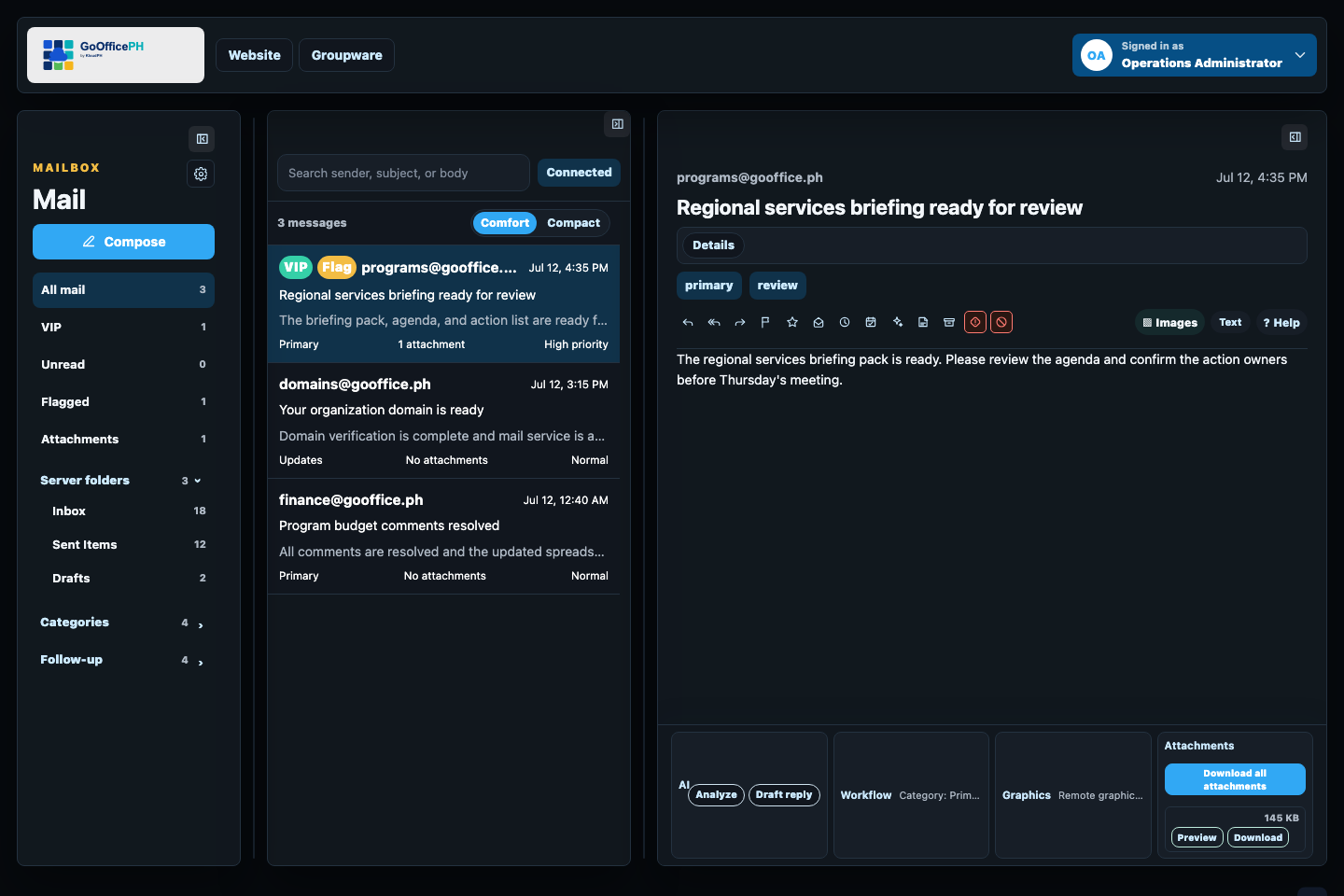
Keep daily communication, attachments, invitations, safety cues, and follow-up in one focused inbox.
Explore Mail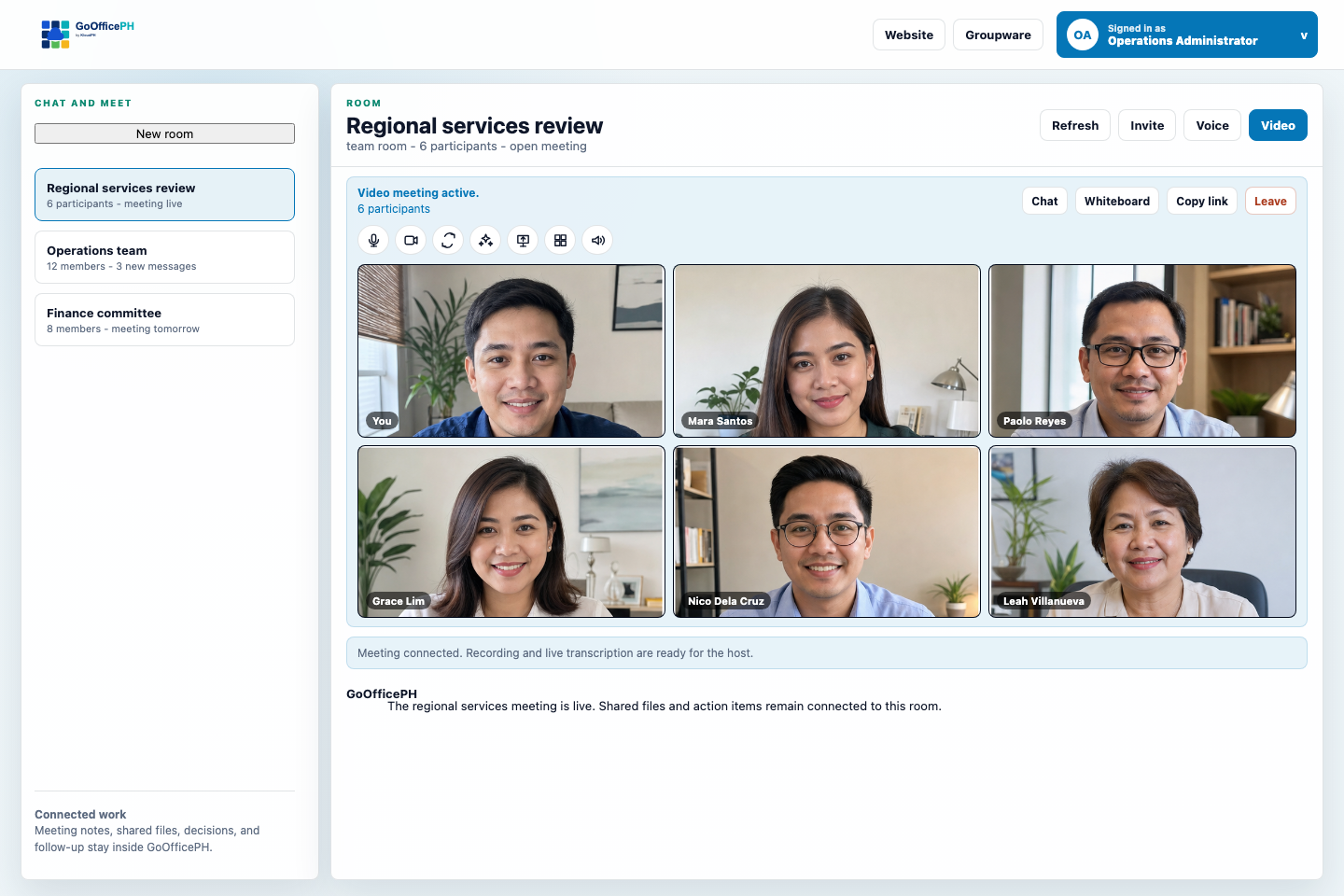
Bring members and guests into persistent rooms, voice, video, screen sharing, recordings, and transcripts.
Explore Connect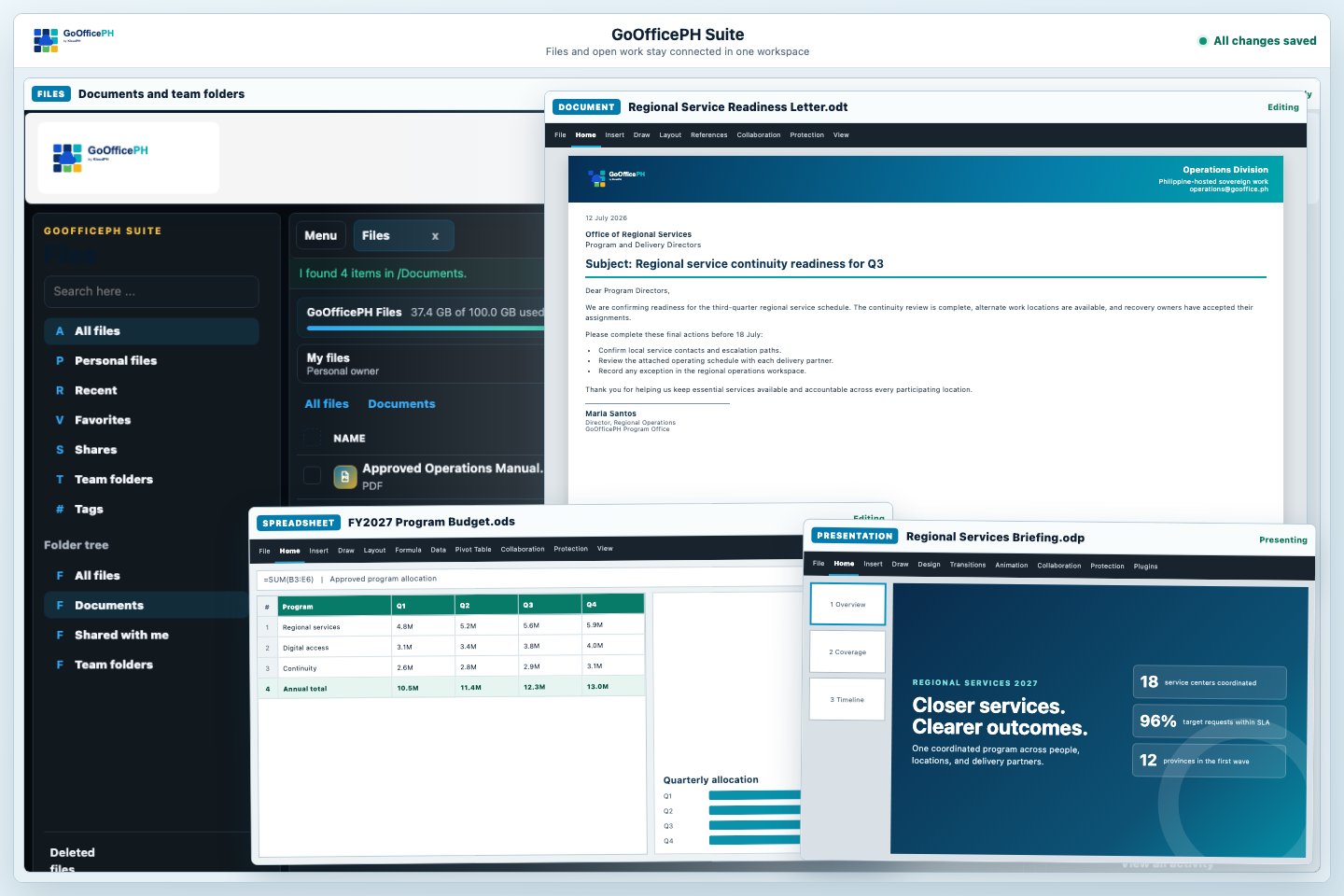
Keep files, sharing, documents, spreadsheets, presentations, exports, versions, and storage in one workspace.
Explore Suite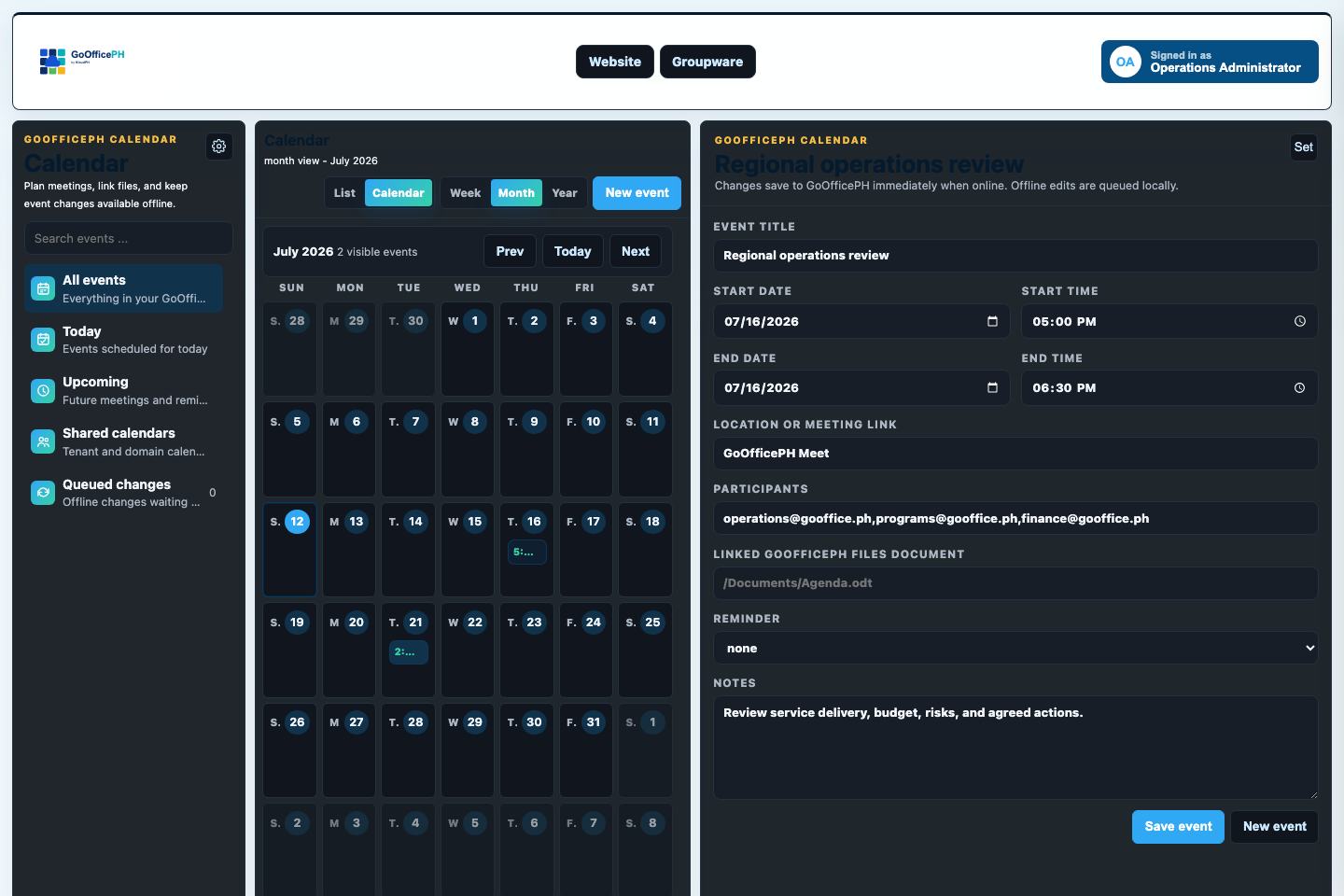
Keep invitations, schedules, shared calendars, meeting links, and follow-up visible across the workspace.
Explore Calendar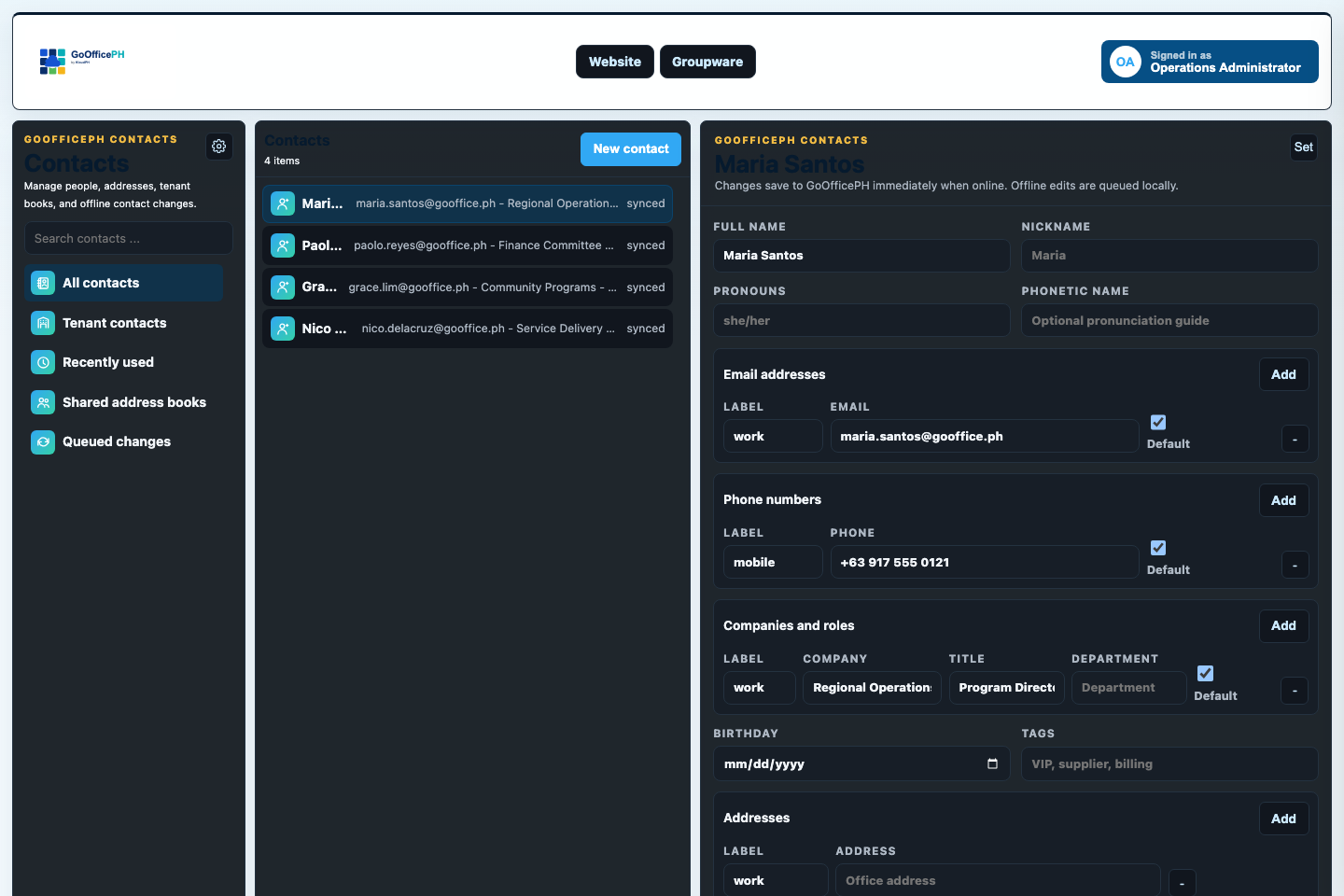
Keep personal contacts, tenant directories, shared address books, and Mail recipient workflows together.
Explore Contacts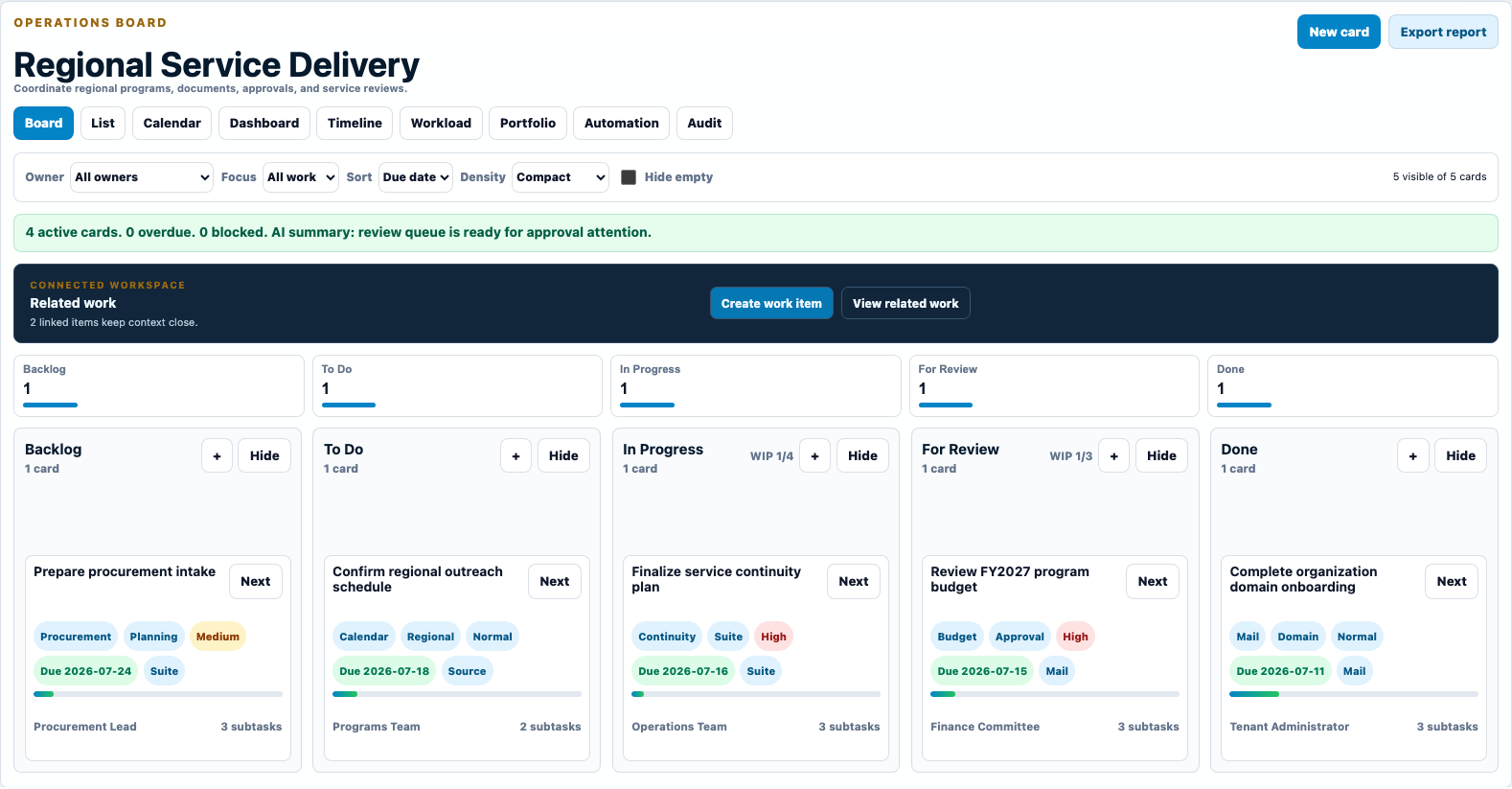
Turn messages, meetings, documents, and approvals into visible owners, due dates, reviews, and completed work.
Explore Work Boards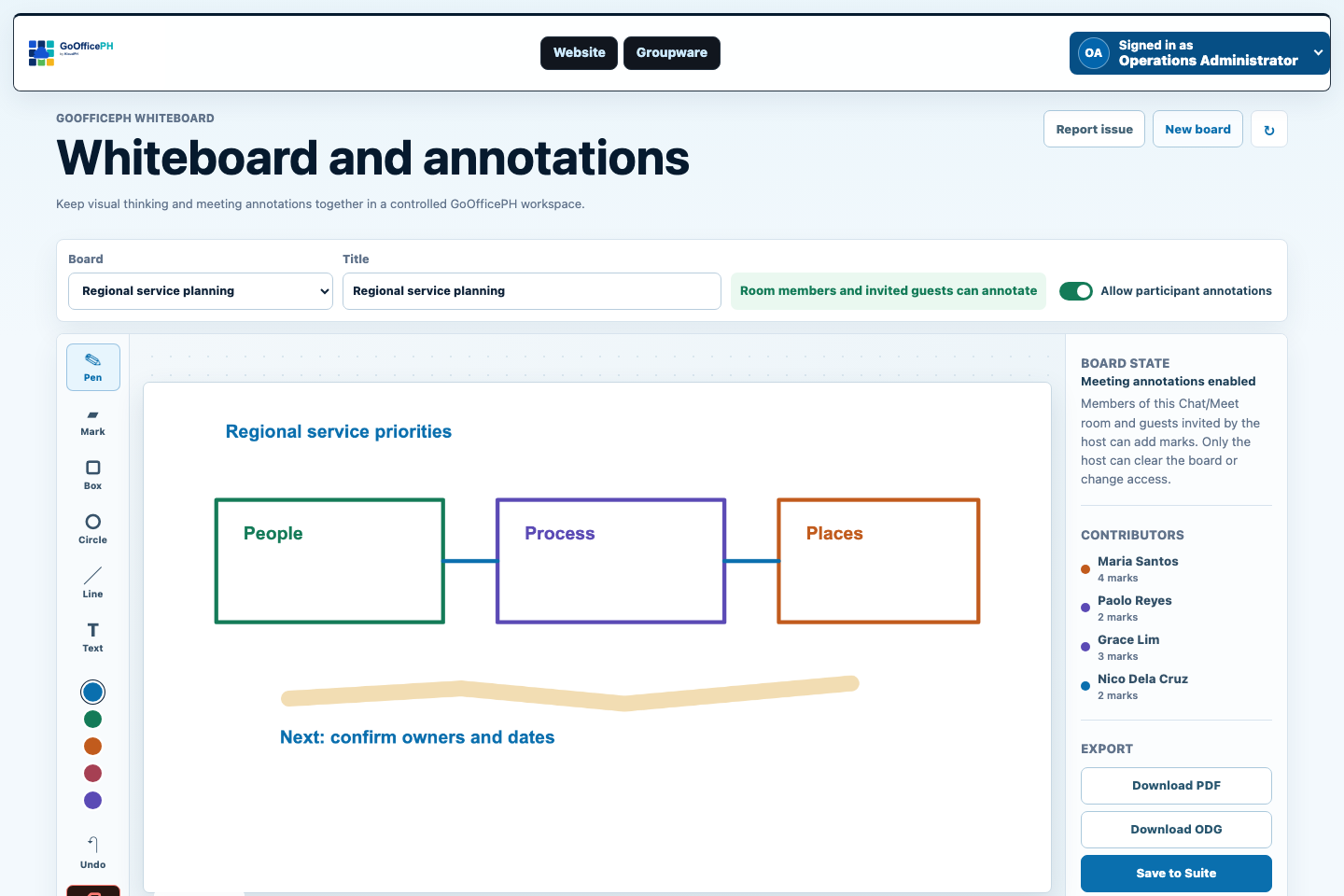
Capture meeting ideas with host controls, attributed annotations, and export to PDF, OpenDocument Drawing, or Suite.
Explore Whiteboard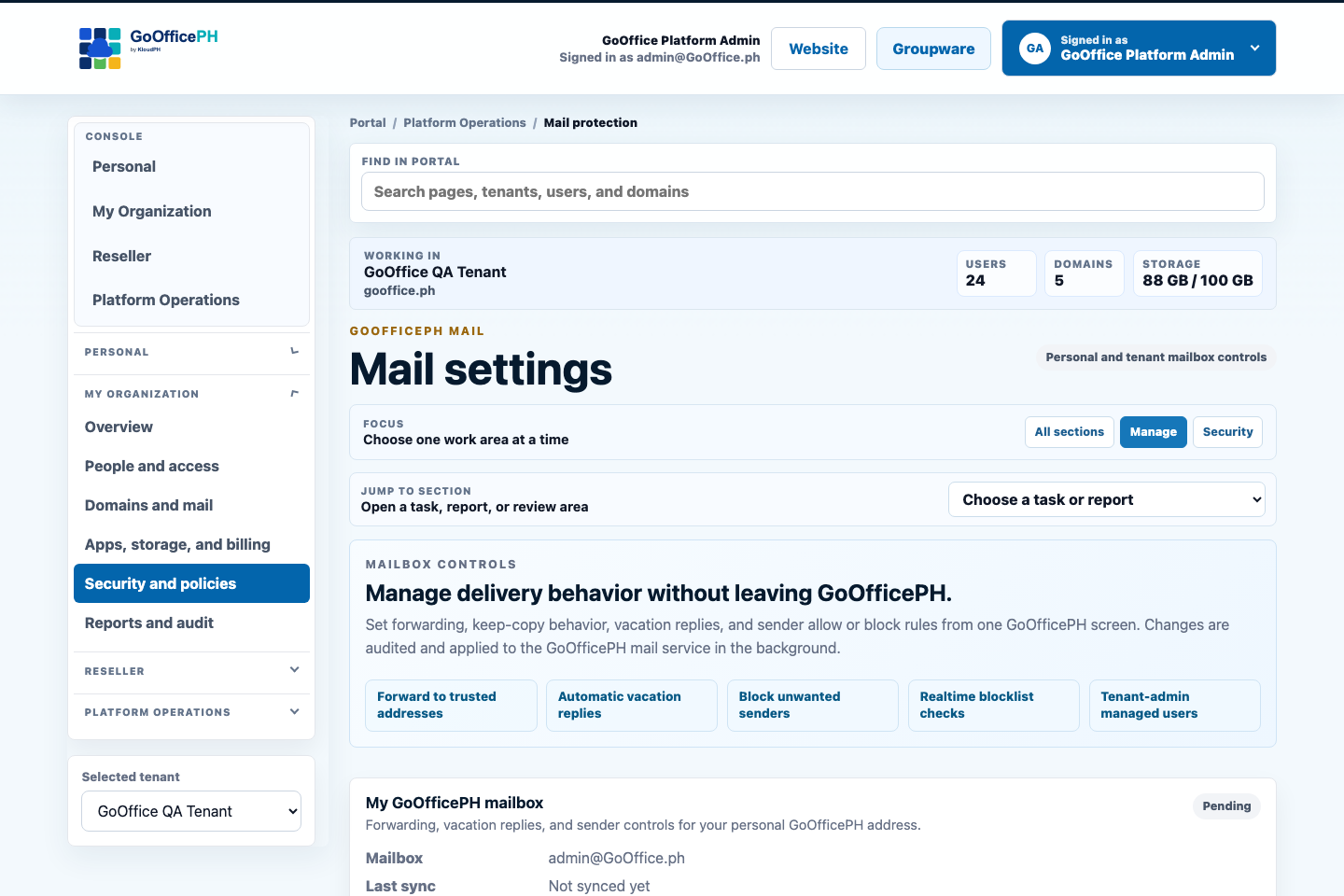
Apply identity, mail, access, sharing, and alert controls across the workspace.
Explore Security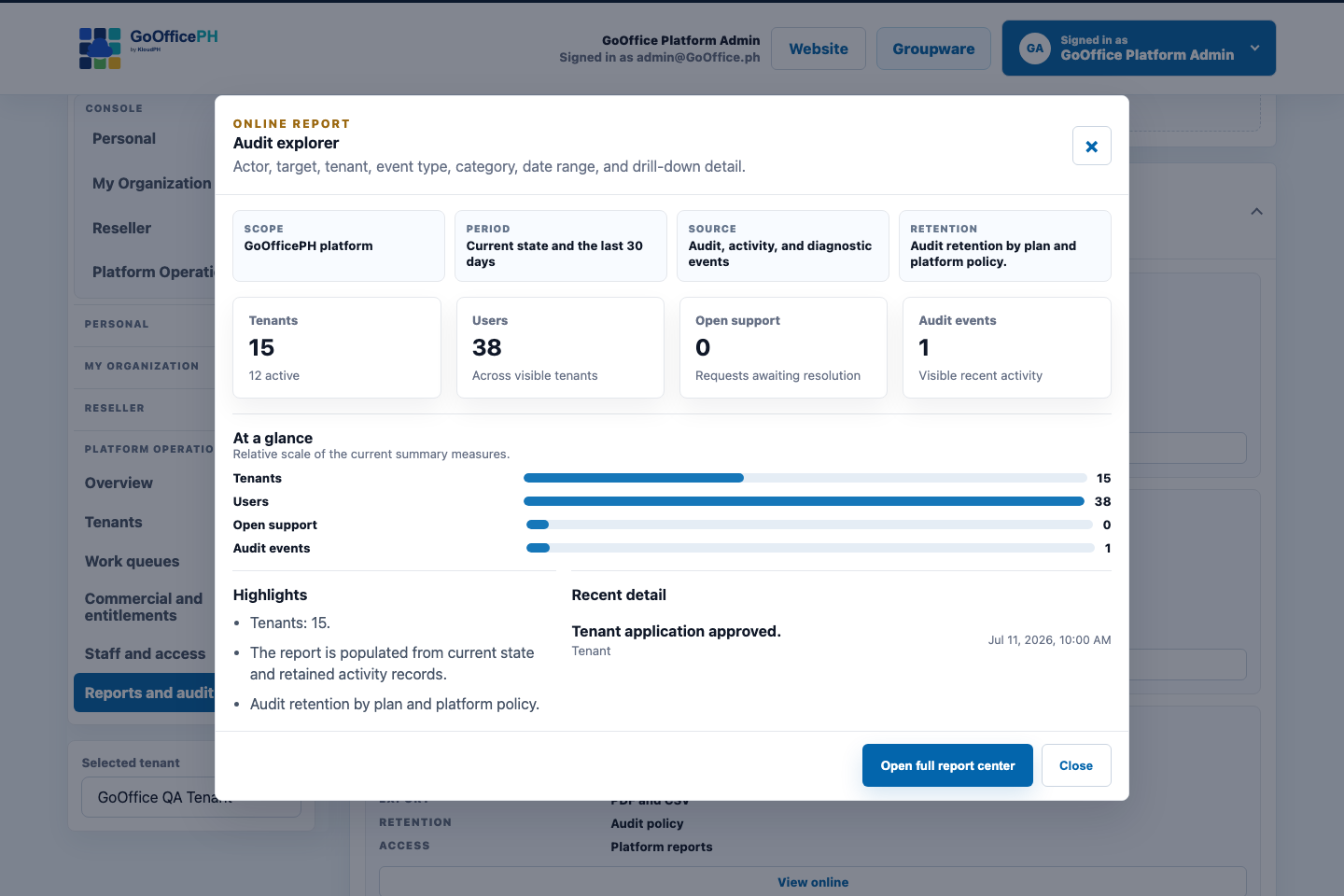
Review who acted, what changed, where it happened, and which organization was affected.
Explore Audit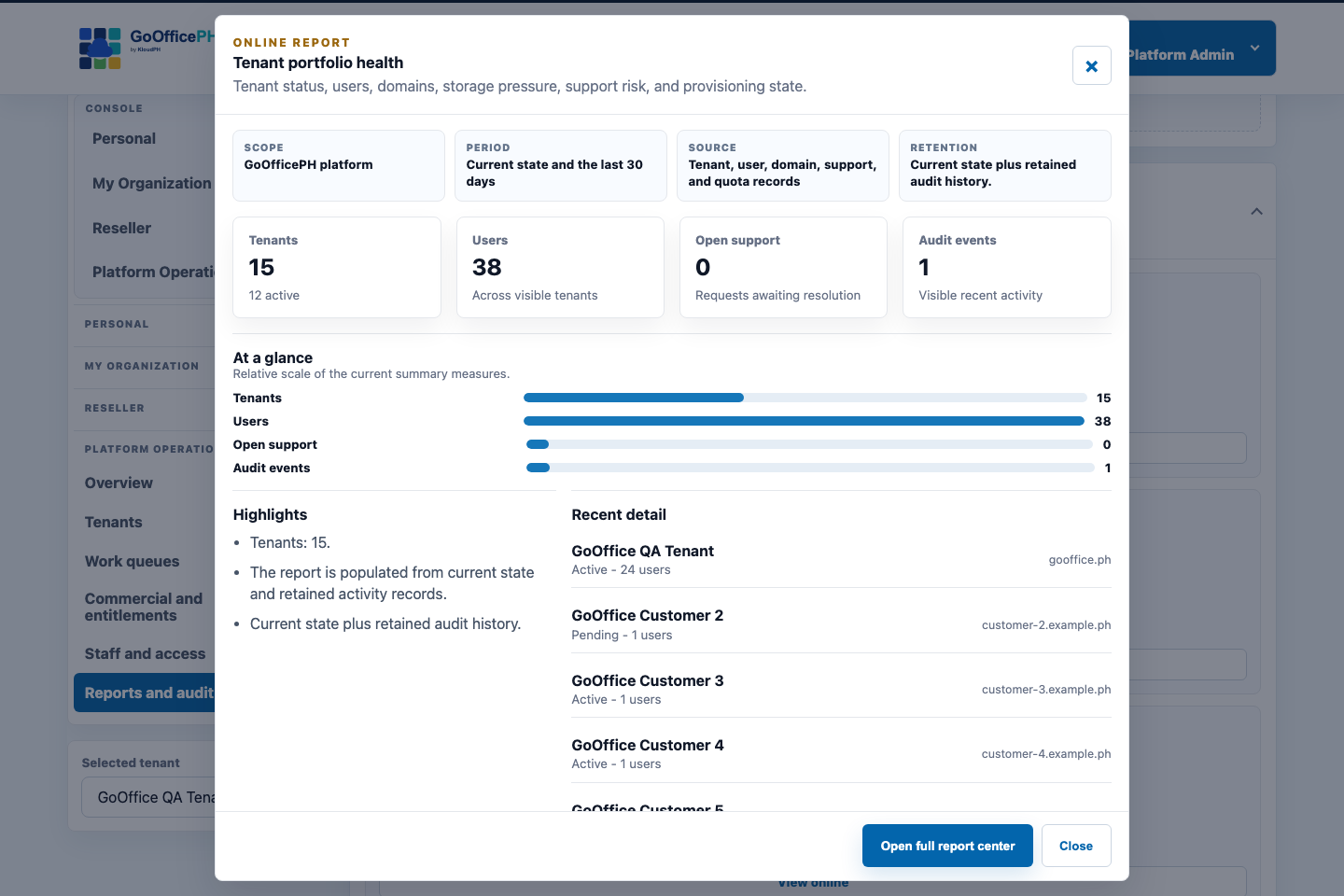
Turn activity and service data into role-appropriate online views and professional exports.
Explore ReportsBuilt to be managed
Daily applications are only half the story.
We place administration, security, audit, and reports beside the apps so authorized users can operate people, domains, tenants, services, policies, storage, and activity at the scale their role permits.
A practical adoption path
Start with a credible first outcome, then expand deliberately.
- 1Establish identity and Mail
Confirm domains, users, recovery, migration, and the first operating group.
- 2Add Connect
Bring rooms, voice, video, guests, and meetings into the same identity.
- 3Connect Suite and structured work
Add files, office documents, calendars, contacts, boards, whiteboards, and reports.
References
Ground the decision in policy, market context, and current product evidence.
- NPC, Data Privacy ActControllers must apply reasonable safeguards and remain accountable for personal data transferred to third parties, domestically or internationally.
- NPC, DPA IRRGovernment and private organizations must implement organizational, physical, and technical security measures appropriate to their processing risks.
Next step
Evaluate a nonclinical collaboration pilot
Choose an administrative, operations, training, or multi-site coordination workflow and review its identity, privacy, access, retention, and reporting requirements.