

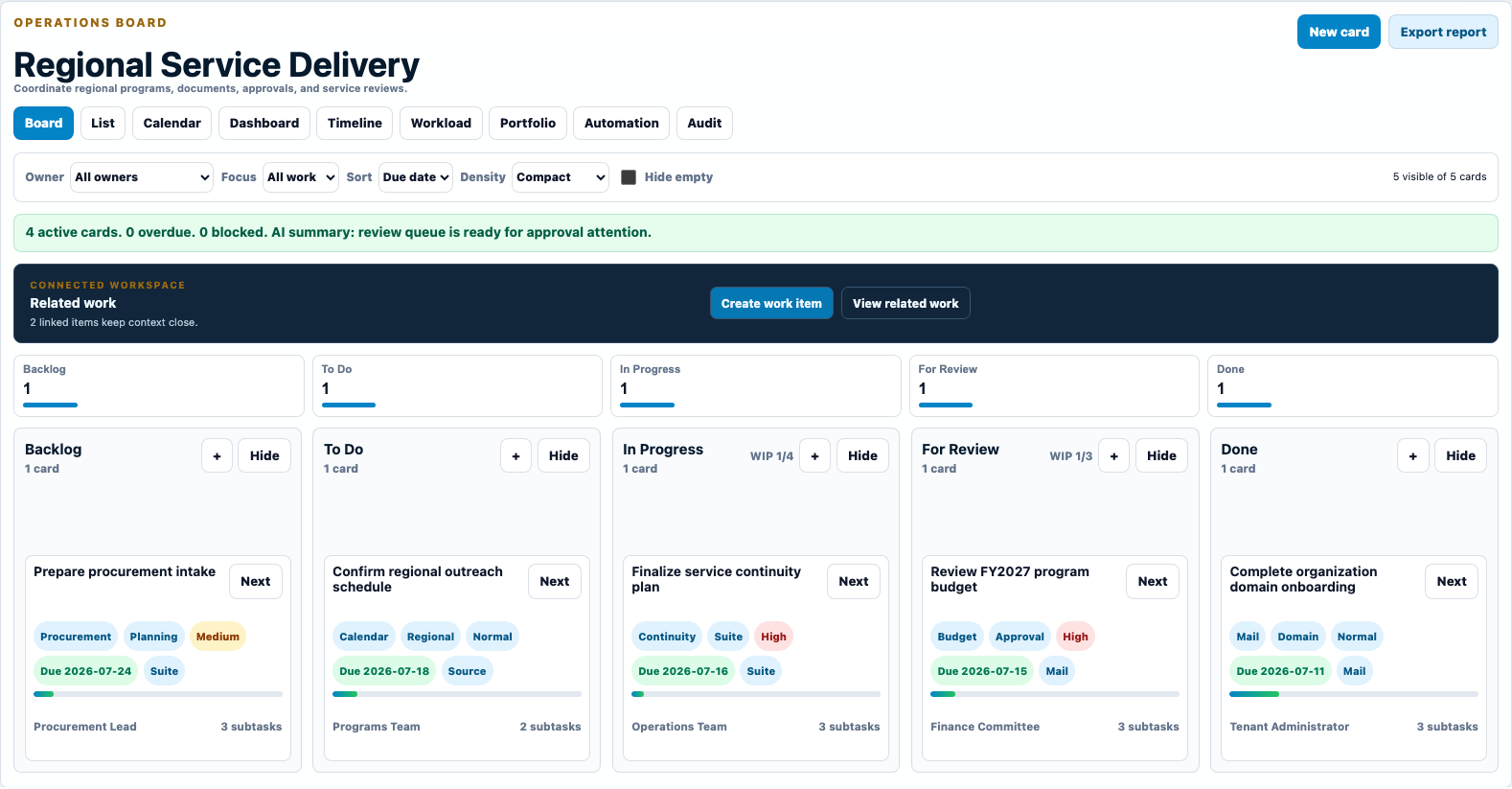
Board, list, calendar, dashboard, timeline, workload, and portfolio views serve different responsibilities.
Work execution
GoOfficePH Work Boards
We turn requests, conversations, meetings, documents, and approvals into visible work with owners, dates, status, automation, and reporting.
Version 1.0.3 Release notes
Owners, due dates, priorities, checklists, dependencies, and review states make the next action clear.
Link the email, meeting, file, chat, approval, or whiteboard that created the work.
The product in use
See how Work Boards supports real work.
These populated previews use the current GoOfficePH interface so you can understand the workflow before opening the app.
A clear working path
Move from the first action to an accountable outcome.
- 1Capture
Create work from a template or from Mail, Connect, Suite, Calendar, or Whiteboard.
- 2Deliver
Move cards through an understandable workflow with WIP limits, checklists, dependencies, and automation.
- 3Improve
Use dashboards, workload, portfolio, SLA, and audit views to understand delivery.
Capabilities
Use a simple surface first, then reach deeper controls when the work requires them.
Everyday work
Give visual and structured workers a comfortable view of the same data.
Bring assigned commitments from multiple boards into one personal view.
Start quickly with practical workflows for projects, approvals, procurement, support, and operations.
Management depth
See throughput, blockers, deadlines, and assignment pressure.
Reduce repetitive follow-up while keeping consequential decisions reviewable.
Understand progress across boards with traceable actions and exportable reporting.
Built to be managed
The app participates in the same administration, security, audit, and reporting model as the wider workspace.
GoOfficePH combines daily productivity with the tools needed to operate users, tenants, domains, services, and policy at scale.
Administration and governanceManage people, domains, roles, services, storage, and policy from role-aware consoles.AuditabilityReview who acted, what changed, where it happened, and which organization was affected.SecurityApply identity, mail, access, sharing, and alert controls across the workspace.ReportsTurn activity and service data into online views and professionally formatted exports.
Keep exploring
See where the app fits, then discover what improved in this version.
Ready to work